- Introduction
- Why Laptop Maintenance Matters (Don’t Skip This)
- 1. Clean Your Laptop Weekly (Instant Speed Boost)
- 2. Use a Cooling Pad (Stop Dangerous Heat)
- 3. Delete Junk Files Regularly (Free Storage Fast)
- 4. Update Your System and Drivers (Stay Secure)
- 5. Protect Your Laptop with a Backpack or Sleeve
- 6. Upgrade Storage with an External SSD (No More Space Stress)
- 7. Take Care of Your Battery (Make It Last Years)
- 8. Use Essential Accessories for Better Care
- Start With the Right Laptop
- Quick Maintenance Checklist
- Summary: Protect Your Laptop Like a Pro
Introduction
Smart laptop maintenance tips can save you money and stress. However, many users ignore them. As a result, laptops slow down, overheat, or fail early.
In this guide, Grafted Technology shares the most powerful laptop maintenance tips that keep your device fast and reliable. Moreover, these steps are simple. Therefore, anyone can follow them today.
If you want your laptop to last longer and run like new, start now.
Why Laptop Maintenance Matters (Don’t Skip This)
First, laptops are expensive. So, you must protect them.
Second, small problems grow fast. However, regular care prevents damage.
Without laptop maintenance tips, you may face:
- Slow performance
- Overheating
- Short battery life
- Data loss
- Costly repairs
Because of this, maintenance saves both time and money.
1. Clean Your Laptop Weekly (Instant Speed Boost)
Dust blocks airflow. As a result, your laptop overheats. Then it slows down.
Therefore, clean your laptop often.
What to do:
- Wipe the screen
- Clean the keyboard
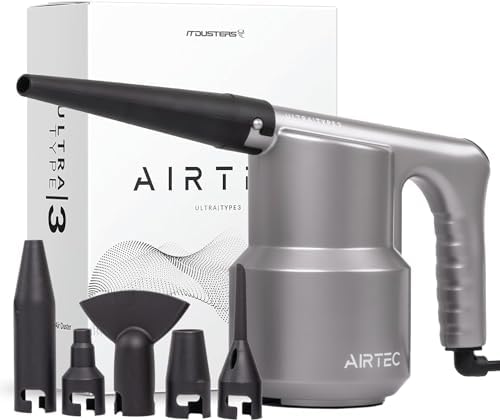
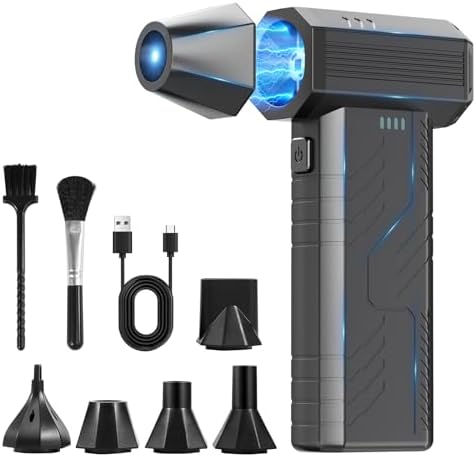
- Blow air into vents
- Remove dirt
This simple step improves cooling immediately. Consequently, your laptop runs faster.
Helpful gear: Buy – Compressed Air Cleaner
2. Use a Cooling Pad (Stop Dangerous Heat)
Heat is the biggest enemy. However, many students ignore it.
A cooling pad lowers temperature. Therefore, performance stays stable.
Benefits:
- Faster speed
- Less lag
- Longer lifespan
Buy – Laptop Cooling Pad


3. Delete Junk Files Regularly (Free Storage Fast)
Over time, files pile up. As a result, your system becomes slow.
Therefore, remove junk weekly.
Quick actions:
- Delete downloads
- Empty recycle bin
- Uninstall unused apps
- Run disk cleanup
These laptop maintenance tips free space instantly. Moreover, your laptop feels new again.
4. Update Your System and Drivers (Stay Secure)
Outdated software causes bugs. However, updates fix them.
Therefore, always update:
- Windows or ChromeOS
- Drivers
- Antivirus
Updates improve speed and security. Consequently, your device stays safe.
5. Protect Your Laptop with a Backpack or Sleeve
Students move often. Therefore, drops happen.
However, a padded bag prevents cracks and scratches.
Benefits:
- Shock protection
- Water resistance
- Longer device life
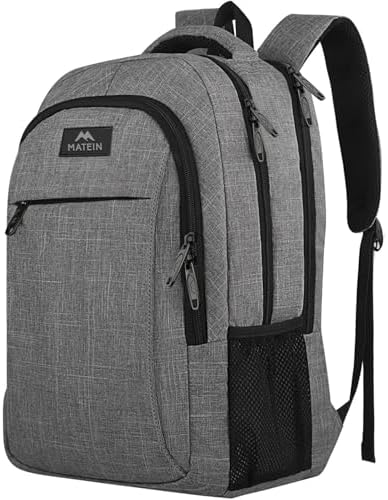
Buy – Laptop Backpack


6. Upgrade Storage with an External SSD (No More Space Stress)
Low storage slows everything. However, an external SSD solves this quickly.
Therefore, move large files outside your laptop.
Benefits:
- Faster backups
- Extra space
- Better performance
Buy – Portable External SSD



7. Take Care of Your Battery (Make It Last Years)
Battery damage happens fast. However, smart habits help.
Follow these tips:
- Avoid 0% often
- Do not overcharge overnight
- Keep charge between 20–80%
- Reduce screen brightness
These laptop maintenance tips protect battery health. As a result, you get longer use each day.
8. Use Essential Accessories for Better Care
The right tools help maintenance. Therefore, do not skip accessories.
Helpful tools include:
- Cooling pad
- Wireless mouse
- External keyboard
- Laptop stand
Read more here:
Best Laptop Accessories for Students
Start With the Right Laptop
Maintenance helps. However, buying the right laptop matters first.
If you need one, read:
- Best Budget Laptops for Students Under $500
- Chromebook vs Windows Laptop for Beginners
- Best Laptop Specs for Beginners
These guides help you choose smarter. Therefore, you avoid problems later.
Quick Maintenance Checklist
Follow these laptop maintenance tips weekly:
- Clean dust and vents
- Use a cooling pad
- Delete junk files
- Update software
- Protect with a sleeve
- Back up files
- Care for battery
Simple steps. Big results.
Summary: Protect Your Laptop Like a Pro
Your laptop is your study partner. Therefore, treat it well.
These laptop maintenance tips are easy, fast, and powerful. Moreover, they prevent expensive repairs. Most importantly, they extend your laptop’s life for years.